On this page
Content reviewed for v0.179.0. See changes since your version.
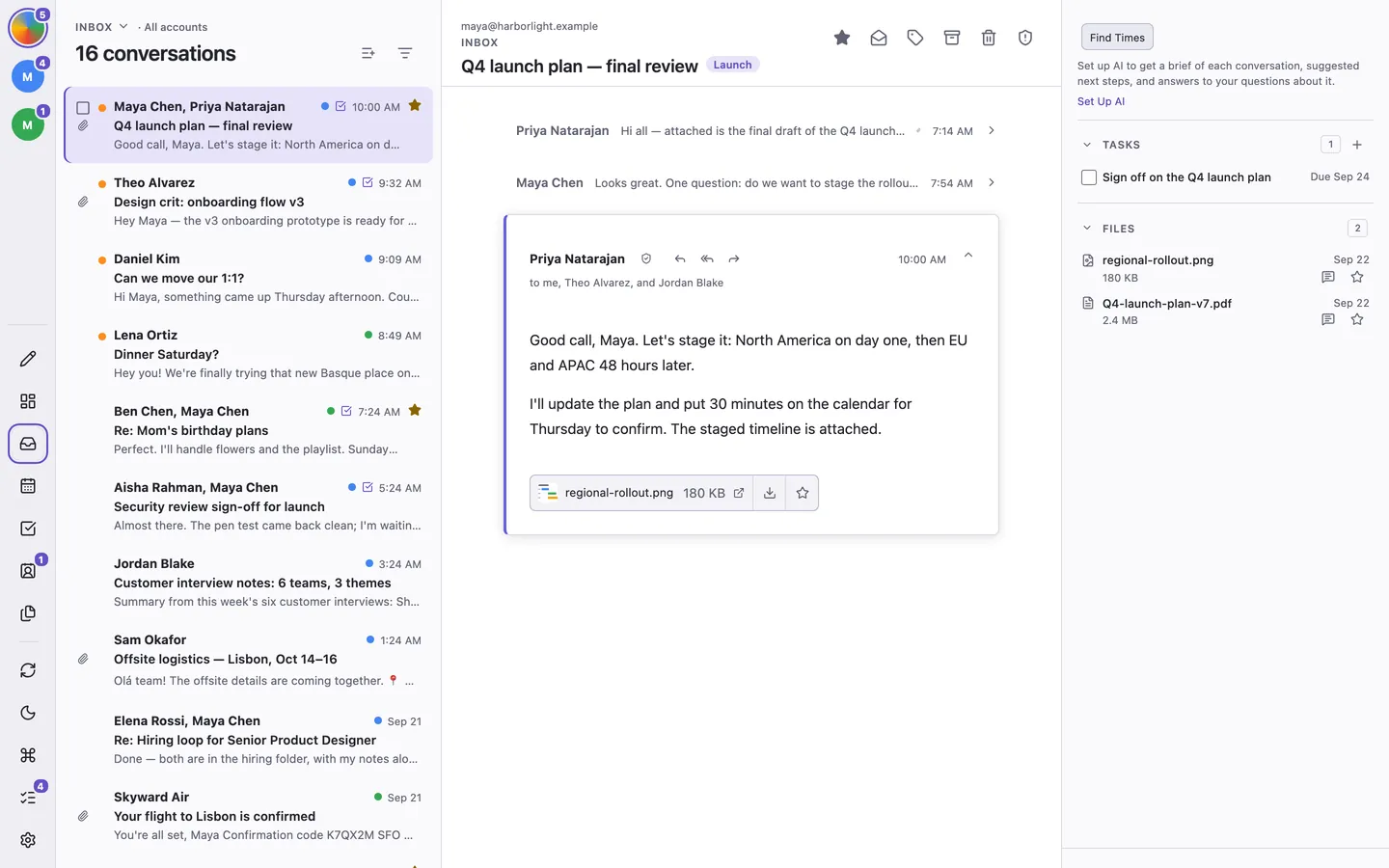
ThreeStrands is a keyboard-first desktop email client that keeps your follow-ups and your schedule beside your mail. Everything runs on your computer: there is no ThreeStrands account or server.
What Are You Trying to Do?
- Connect Gmail or IMAP, or connect Proton Mail Bridge.
- Learn the basics in ten minutes.
- Find a missing message or attachment.
- Schedule an email.
- Share free meeting times.
- Move to another computer.
- Fix mail that is not syncing or sending.
The app's Getting Started checklist checks itself off as you go. Reopen it from the command palette with ⌘/Ctrl + k. Calendar and AI setup are optional.
Guides
Use the grouped navigation to browse daily work, setup and data, or reference pages. Today, Search, and Files each have their own guide. Your first ten minutes walks through reading, replying, and keeping a follow-up.
Compatibility at a Glance
Mail connects through Gmail or IMAP/SMTP; Proton Mail needs Bridge. Calendar uses a separate Google Calendar connection. Contacts support CSV/vCard transfer, with no ongoing Google Contacts or CardDAV connection. macOS is regularly tested; Windows and Linux builds are experimental. See Compatibility and Limitations.
Getting Help
Something not working? Start with Troubleshooting. For questions or bugs, Get Help explains how to report a problem. Read Privacy and Local Storage for data behavior and the Privacy Policy for the full policy.